
Design House is a digital wedding and event design library that helps you see your ideas before bringing them to life. Bring furniture, florals, tabletop details, and décor together in Canva to create a visual plan for your own celebration or your next client.
Instead of starting with scattered inspiration photos, build a design that shows how your chosen pieces work together. Explore different options, adjust placement, and share a clearer picture of your vision before event day.
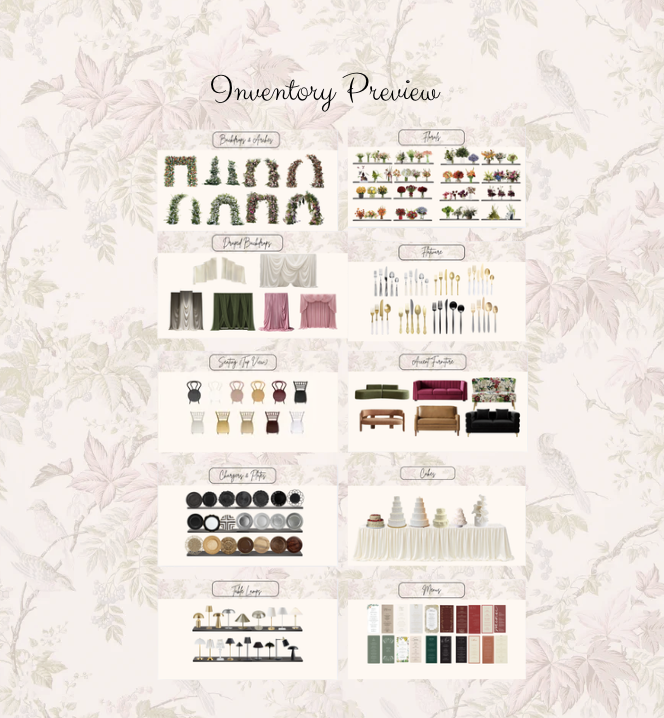
The library includes over 100 design and floral pages with more than 2,000 curated elements for use in Canva.
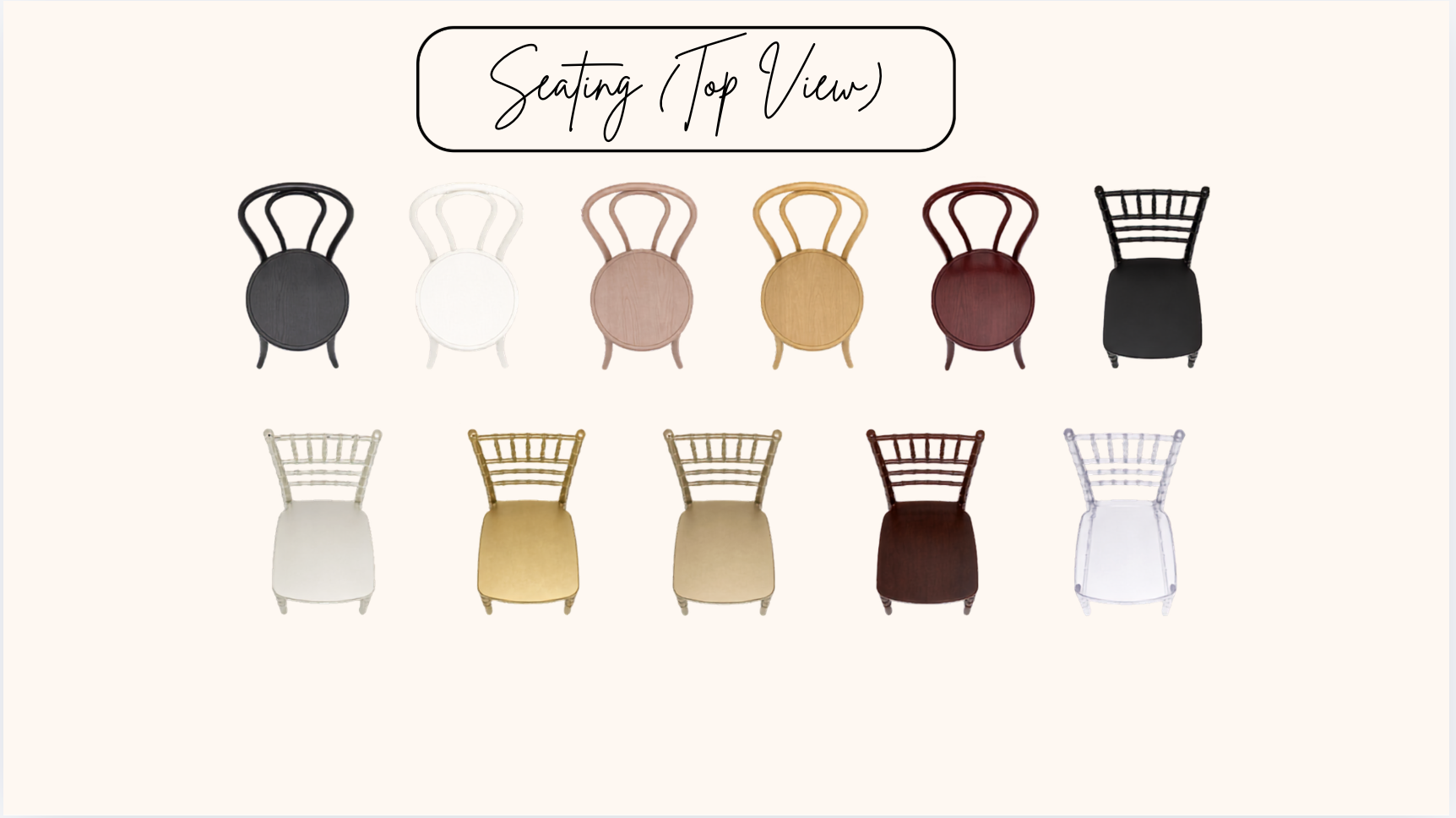
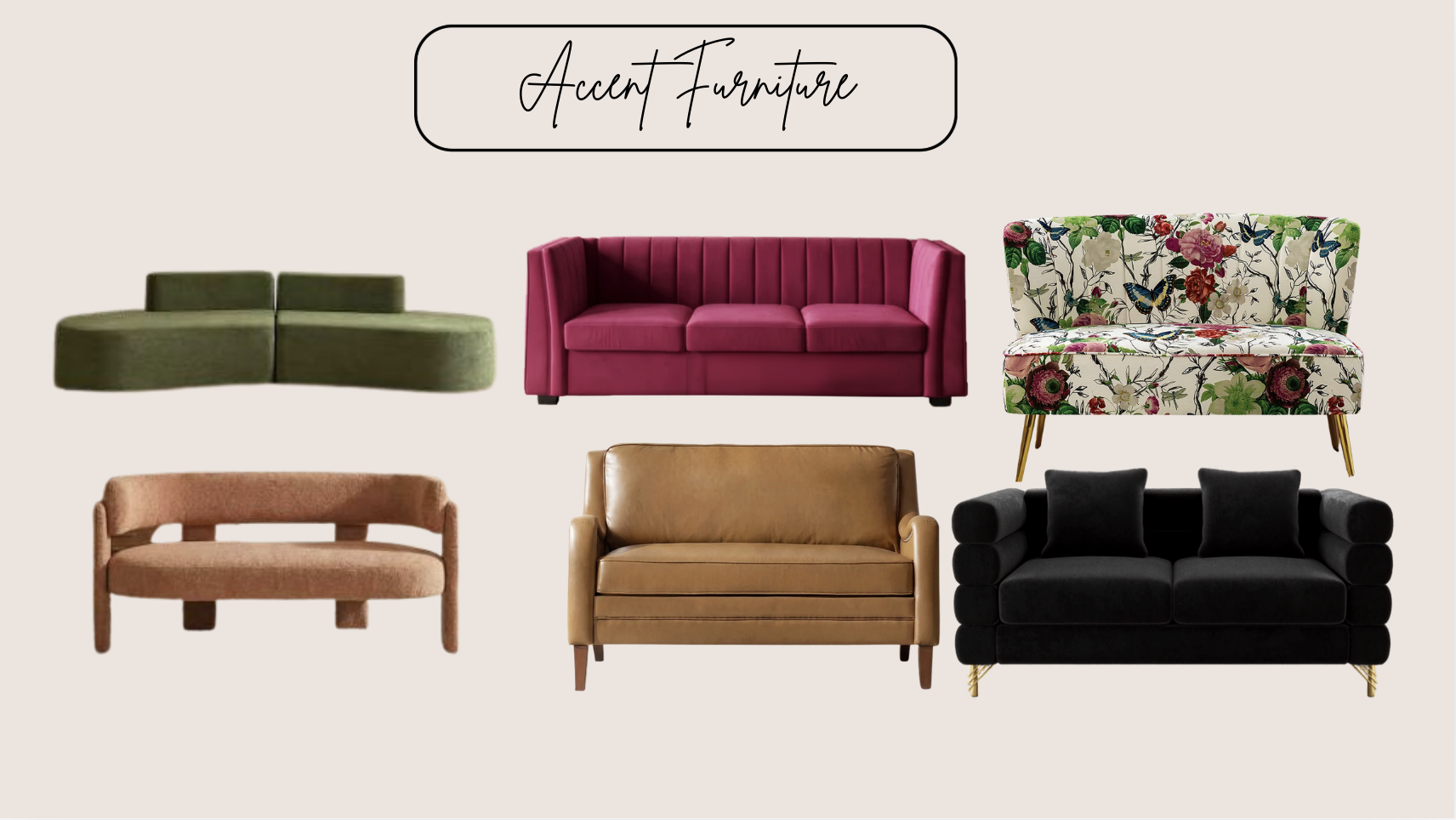
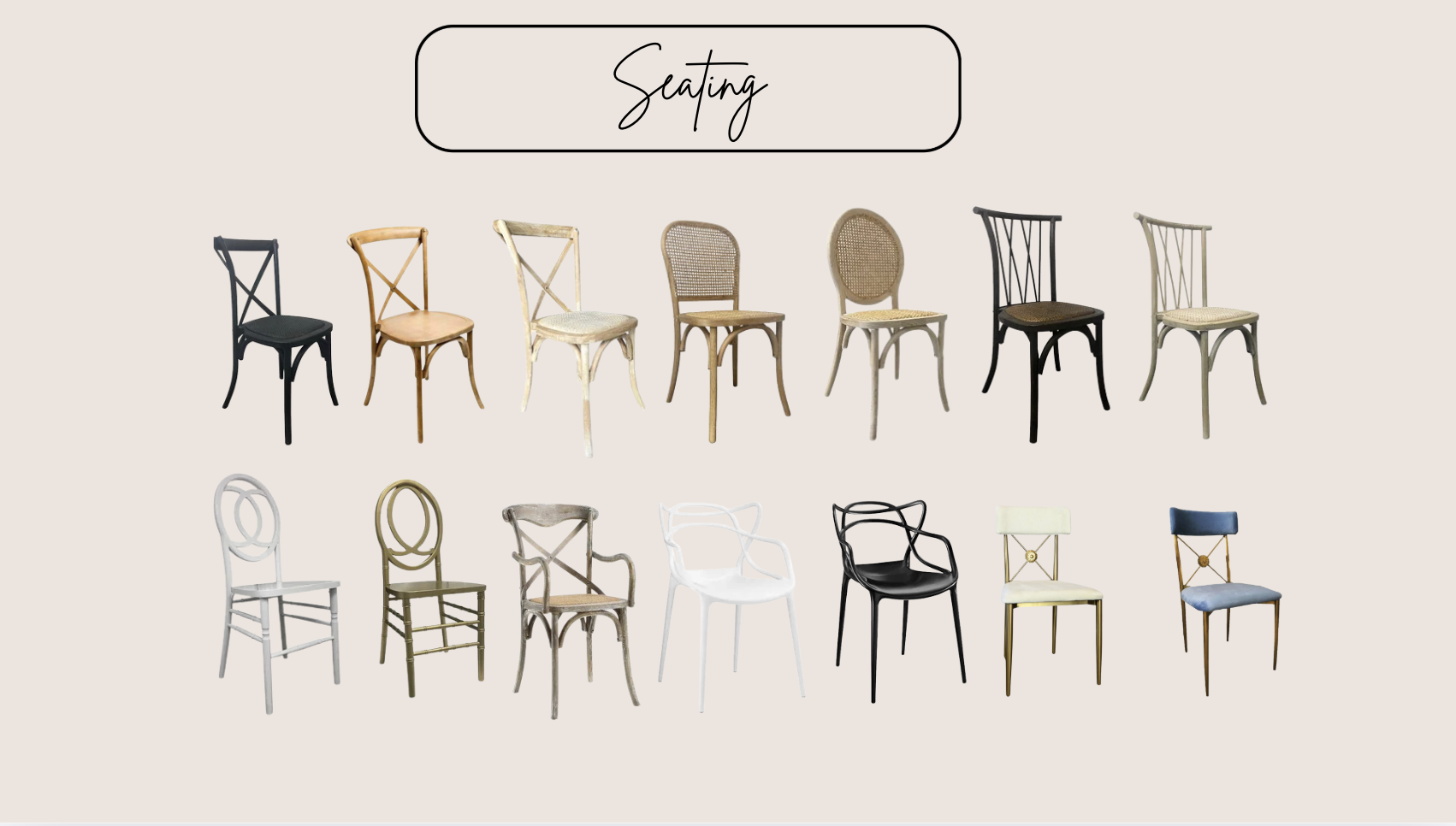
Furniture and seating: Pieces for exploring table arrangements, seating, and lounge concepts.
Florals and greenery: Elements for developing arrangements and coordinating flowers with the surrounding décor.
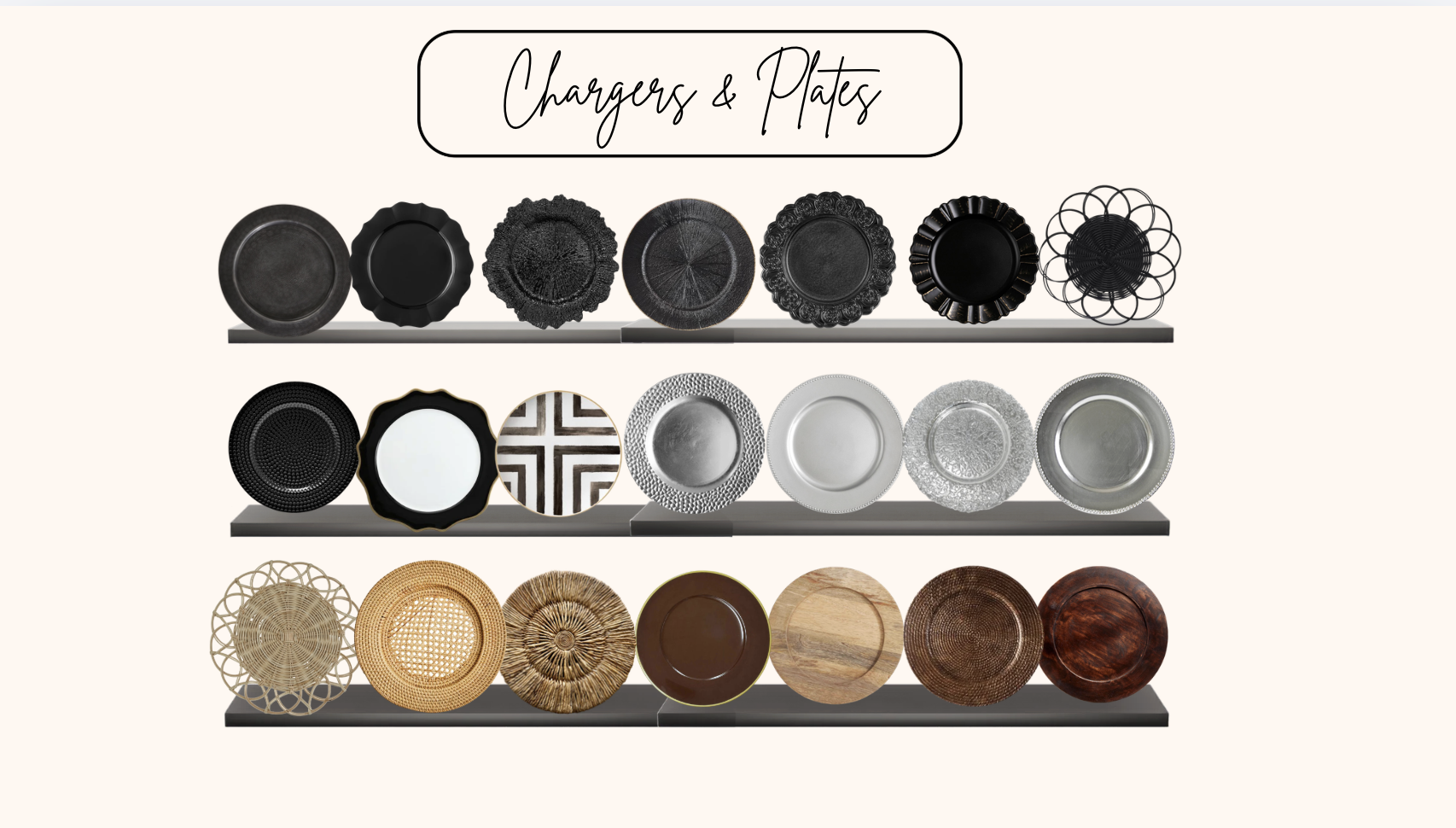
Tabletop details: Pieces for bringing together place settings, glassware, and decorative accents.
Ceremony and event décor: Elements for visualizing focal points, backdrops, and styled event spaces.
Create ceremony designs, reception mockups, tablescapes, floral concepts, lounge areas, cake table displays, and event mood boards. Use overhead layouts to explore placement, compare different design combinations, or develop visuals to share with clients and vendors.
Design House helps you move beyond describing an idea to showing how it could look. You can work through choices in Canva before committing to the physical setup.
Brides and couples: Organize your ideas and communicate your vision to your planner, florist, and rental team.
Wedding planners and event designers: Develop concepts, present options to clients, and refine details before installation.
Florists, stylists, and rental professionals: Show how your pieces and services could work within a complete event design.
After checkout, your access link arrives by email. Follow the instructions to open the resource in Canva and begin exploring the library.
Choose the pieces you want to use, arrange them on your design page, and adjust their size and placement. Try different combinations as your ideas develop, then use the finished visual to guide conversations with your client or event team.
As the owner of Alexandria & Co., I created Design House from the library I’ve built and used throughout my work on over 500 events. Its elements are based on real rental pieces readily available in the event industry, so the focus is on designs you can work toward bringing to life.
I personally maintain the library and add new pieces to keep up with changing styles and trends. It’s the same resource I use to explore ideas, present designs to clients, and work through the details before event day.
Your purchase includes future inventory additions at no additional cost.
Design House is a digital library, not physical décor, a rental order, or a custom design service. Mockups communicate your concept; confirm measurements, quantities, and local rental availability with your venue and vendors before execution.
Design House is a digital wedding and event design library that helps you see your ideas before bringing them to life. Bring furniture, florals, tabletop details, and décor together in Canva to create a visual plan for your own celebration or your next client.
Instead of starting with scattered inspiration photos, build a design that shows how your chosen pieces work together. Explore different options, adjust placement, and share a clearer picture of your vision before event day.
The library includes over 100 design and floral pages with more than 2,000 curated elements for use in Canva.
Furniture and seating: Pieces for exploring table arrangements, seating, and lounge concepts.
Florals and greenery: Elements for developing arrangements and coordinating flowers with the surrounding décor.
Tabletop details: Pieces for bringing together place settings, glassware, and decorative accents.
Ceremony and event décor: Elements for visualizing focal points, backdrops, and styled event spaces.
Create ceremony designs, reception mockups, tablescapes, floral concepts, lounge areas, cake table displays, and event mood boards. Use overhead layouts to explore placement, compare different design combinations, or develop visuals to share with clients and vendors.
Design House helps you move beyond describing an idea to showing how it could look. You can work through choices in Canva before committing to the physical setup.
Brides and couples: Organize your ideas and communicate your vision to your planner, florist, and rental team.
Wedding planners and event designers: Develop concepts, present options to clients, and refine details before installation.
Florists, stylists, and rental professionals: Show how your pieces and services could work within a complete event design.
After checkout, your access link arrives by email. Follow the instructions to open the resource in Canva and begin exploring the library.
Choose the pieces you want to use, arrange them on your design page, and adjust their size and placement. Try different combinations as your ideas develop, then use the finished visual to guide conversations with your client or event team.
As the owner of Alexandria & Co., I created Design House from the library I’ve built and used throughout my work on over 500 events. Its elements are based on real rental pieces readily available in the event industry, so the focus is on designs you can work toward bringing to life.
I personally maintain the library and add new pieces to keep up with changing styles and trends. It’s the same resource I use to explore ideas, present designs to clients, and work through the details before event day.
Your purchase includes future inventory additions at no additional cost.
Design House is a digital library, not physical décor, a rental order, or a custom design service. Mockups communicate your concept; confirm measurements, quantities, and local rental availability with your venue and vendors before execution.